
- Category:
Live Product
- Users:
200+ Active Users
- Tags:
Product · AI · Utility · Tools · Open Source
ExportChat Chrome Extension
An open-source browser extension that makes it easy to export and back up chat transcripts from major AI interfaces.
Why It Exists
Most major AI platforms, including Claude, ChatGPT, Gemini, and Perplexity, do not offer native ways to export conversations as Markdown or PDF files. This means transcripts remain locked inside the browser window. For professionals using these tools to research, draft, debug, or plan, this creates significant friction.
To solve this daily workflow bottleneck, I built ExportChat.
What It Does & How It Was Built
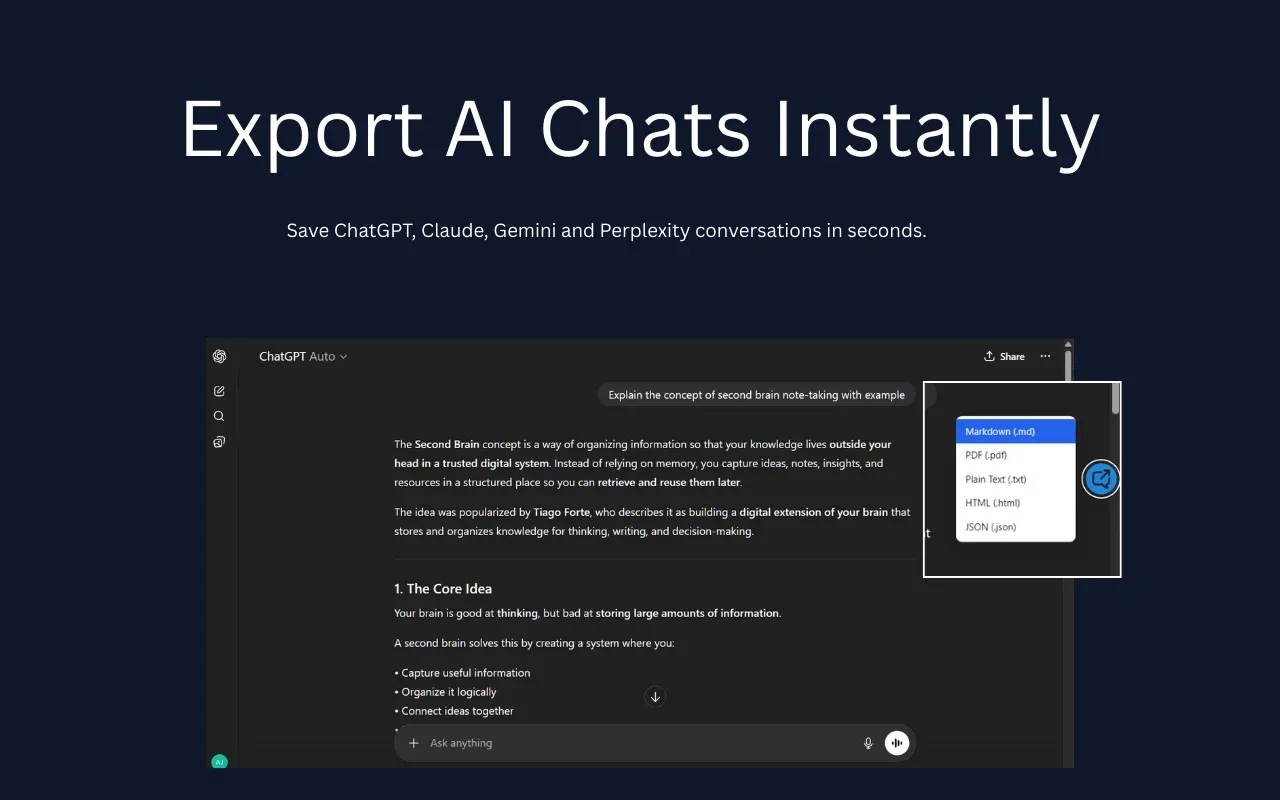
ExportChat adds export functionality to the AI platforms that don’t have it natively.
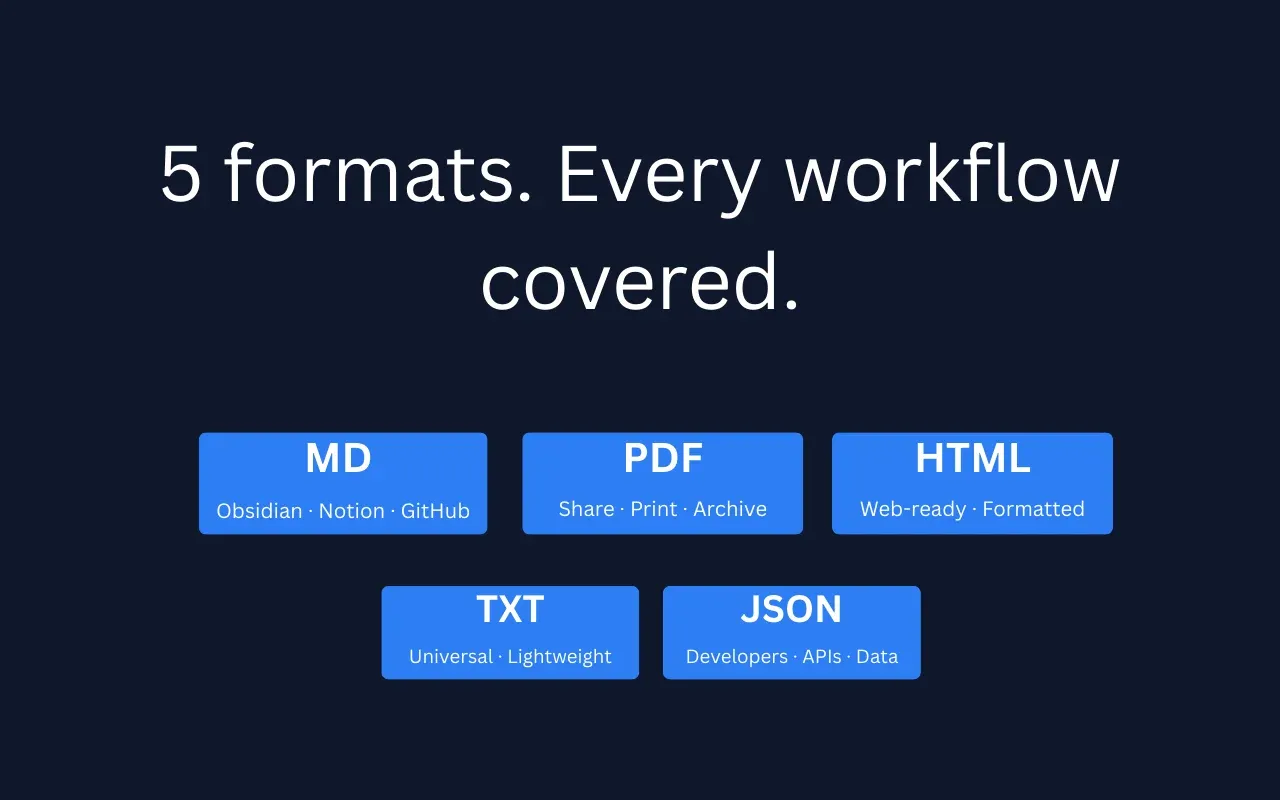
- Export any conversation to Markdown, plain text, or PDF
- Works across Claude, ChatGPT, Gemini, and Perplexity
- Clean output: no UI chrome, no formatting artefacts
- One click from the conversation view
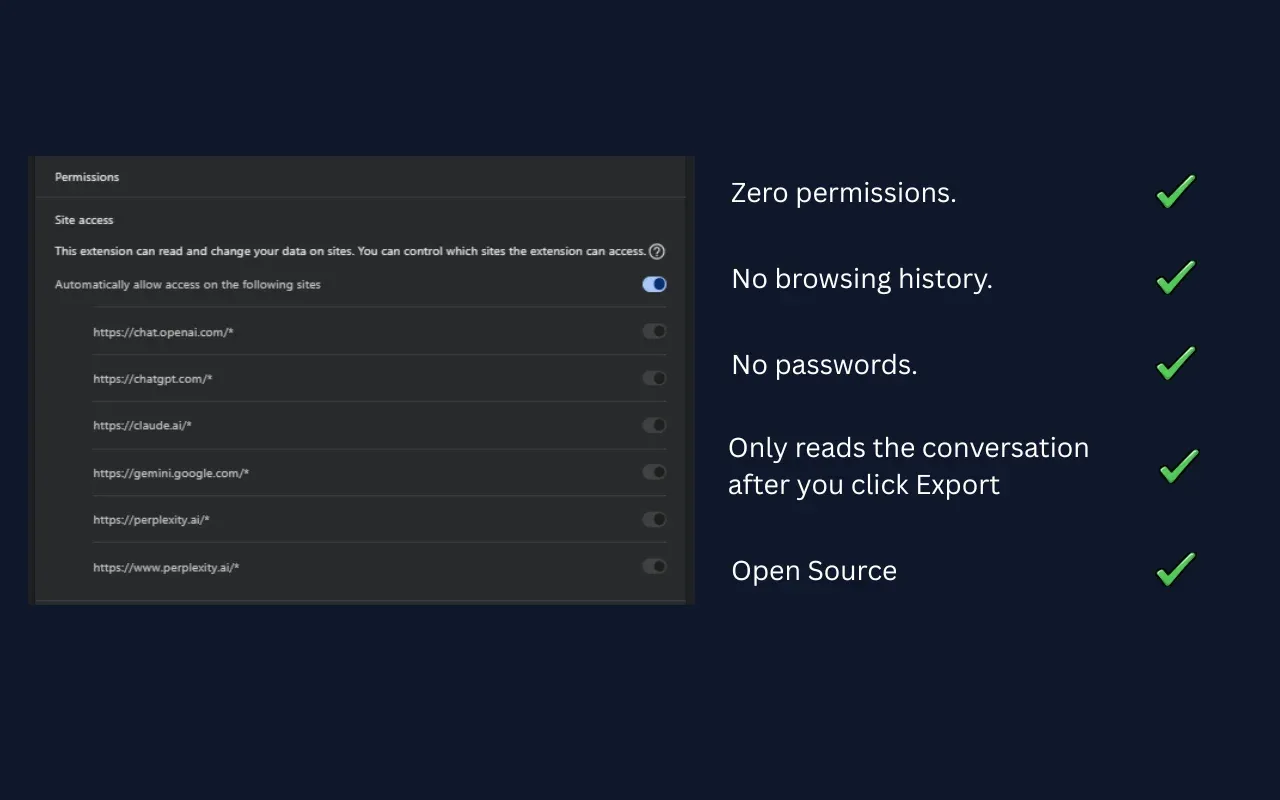
- Runs entirely in your browser; no data is sent anywhere
- No account required
Built independently from scratch using AI-assisted development tools and a multi-agent workflow for rapid prototyping and iteration. Manifest V3, content scripts, cross-platform compatibility across four AI interfaces that each handle their DOM differently.
Open source. MIT licensed. Full codebase on GitHub.
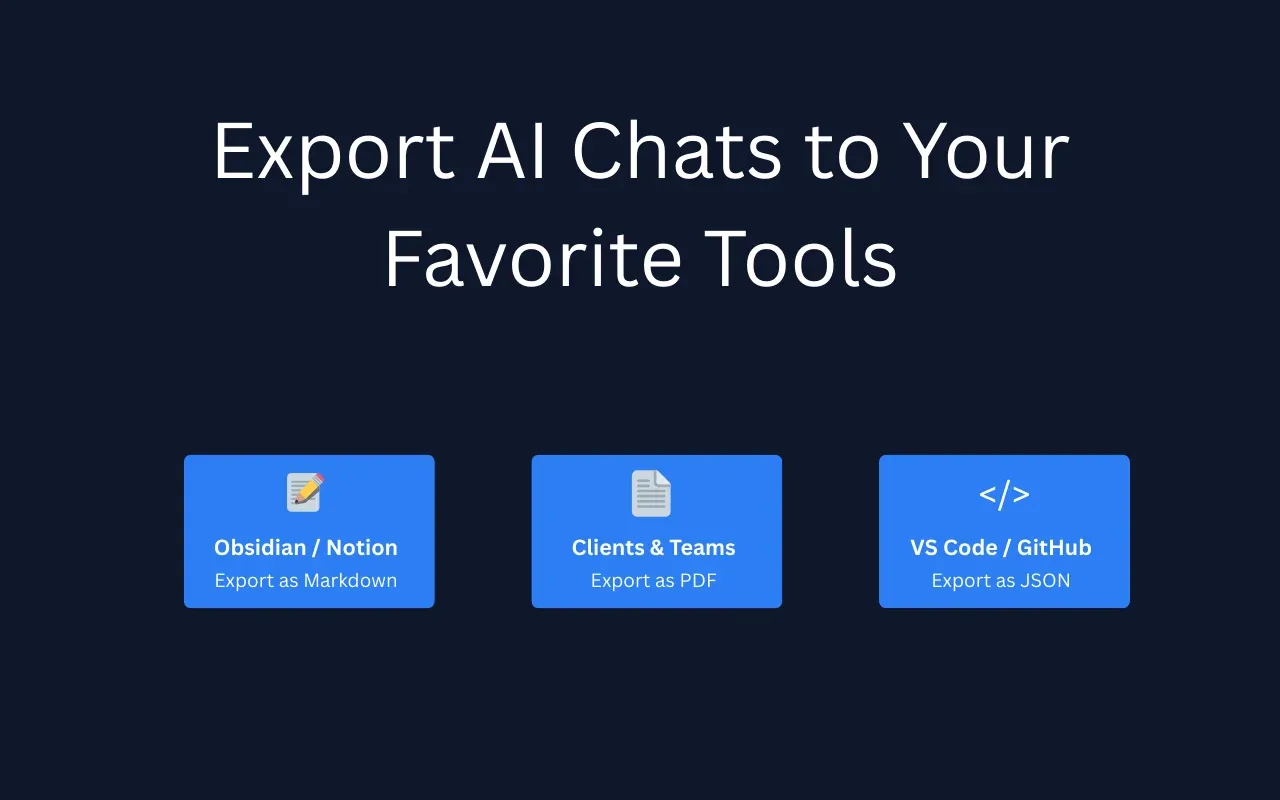
Extension Interface & Settings
Where It Stands
Since launch, ExportChat has grown to over 200 active users on the Chrome Web Store. The extension grew entirely through organic search results and word-of-mouth recommendations among users who needed a simple export tool.